
“AMAZING, FUN & ENGAGING! MUSIC EDUCATION IS CHANGING!”
My journey…
Understanding, exploring and experimenting with various music technology softwares was a HUGE step forward in my musical journey. Coming from a classically trained background with no experience in using any music softwares (other than Sibelius), I didn’t know what to expect in class. So, I began week 1 with a jittery.
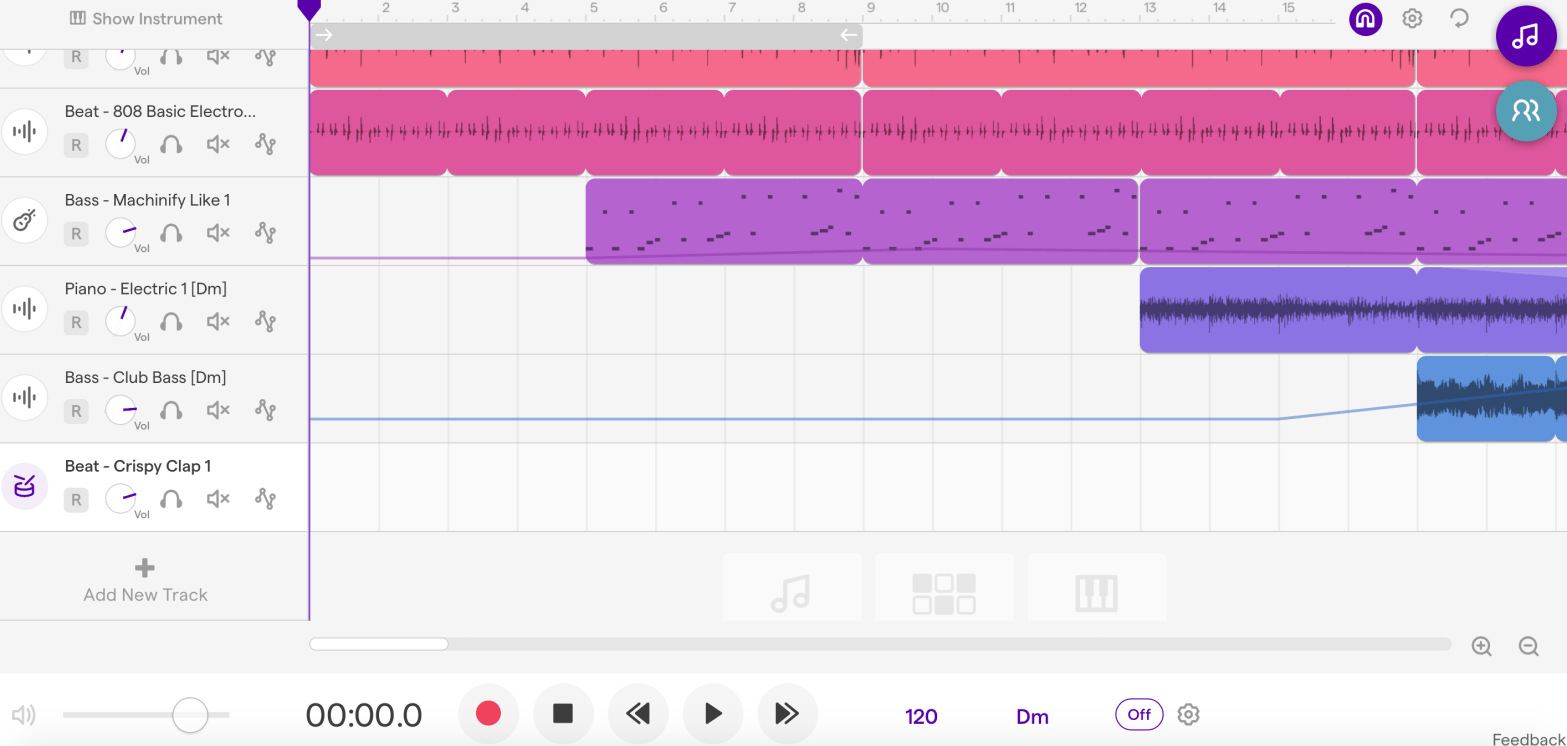
In class, we were introduced to Soundtrap and I loved the fact that Soundtrap provided:
- A range of audio and MIDI files with various sound effects
- An option for working individually and in groups (can work in real time “live” with others (kind of like a google doc)
- A colourful visual presentation to show what parts they have made and recorded
- An option to change the pitches and rhythm on various MIDI files
The bonus? It was so easy to use!
Most importantly, I liked how Soundtrap offered students a variety of compositional tools that allowed them to compose without having to know an exhaustive amount of music theory/ notation beforehand.
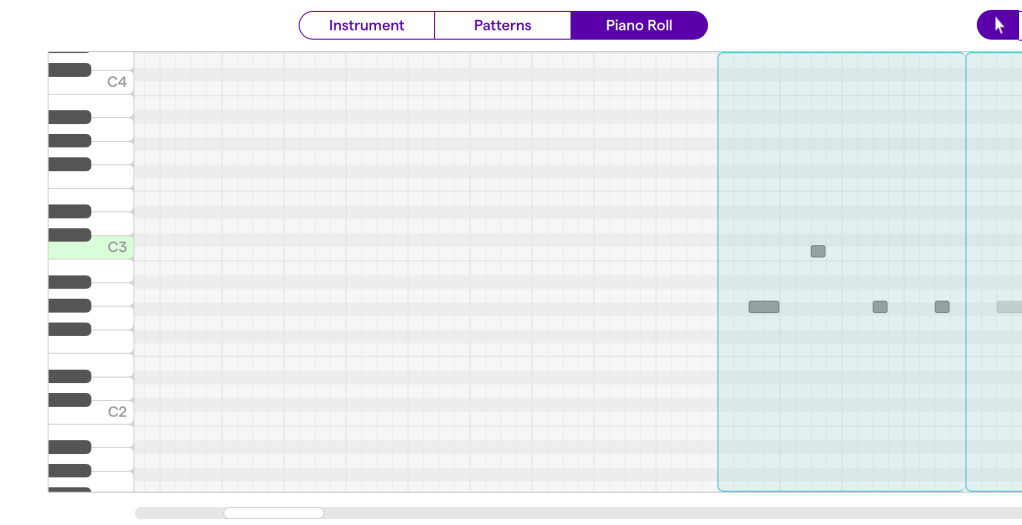
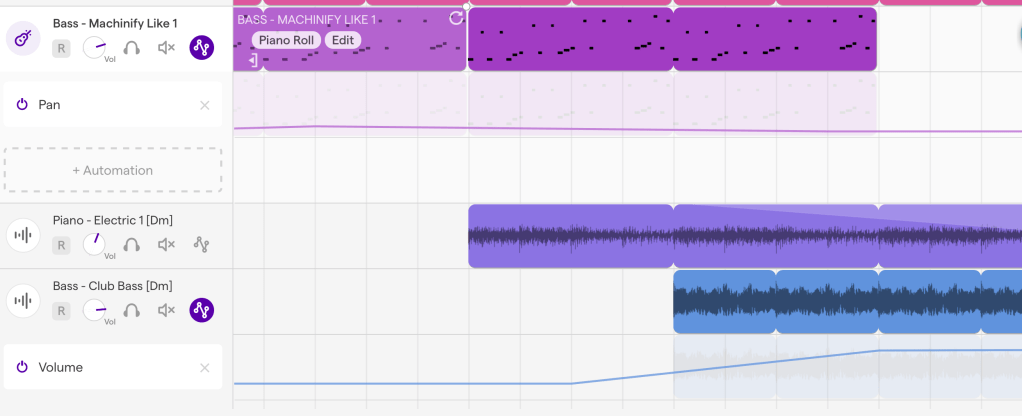
As this week was an introduction to technology in music education, we only had time to explore and fiddle around with the basics such as:
- Automations: volume, panning, sweeping
- MIDI (changing rhythm) vs. Audio
- Fade in’s and out’s
I’m sure there are lots more to discover and explore on Soundtrap! Let me know in the comment section below what you’ve come across!
 Music Education